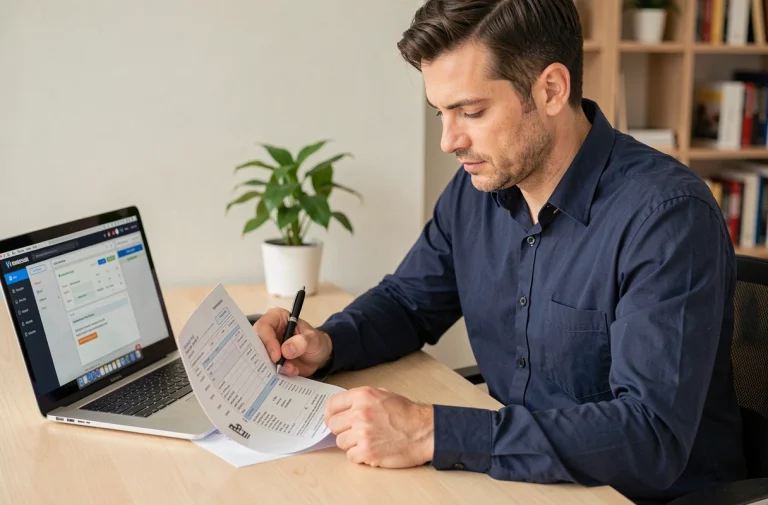
My Arkevia is the digital vault used by many French companies to distribute dematerialized pay slips. When the connection fails, the employee finds themselves without access to documents that are sometimes urgently requested by a bank or a landlord. The causes of blockage are rarely related to the password alone: the portal address, the email linked to the account, or the browser behavior often come into play even before the credentials are entered.
Check the exact connection domain for My Arkevia
The confusion between two distinct web addresses causes a significant portion of connection failures. The employee portal is located at myarkevia.com, with the prefix “my”. The other address, arkevia.com without this prefix, provides access to the employer space and HR administration services.
Entering personal credentials on the wrong portal systematically triggers an authentication refusal. The error message displayed does not specify that the address is incorrect: it simply indicates that the password or username is not recognized. Many employees encountering connection issues with My Arkevia then initiate an unnecessary password reset, complicating the situation.
Before any other action, type the full URL in the address bar instead of going through a search engine. Google results sometimes redirect to third-party pages or to the employer portal, which restarts the error cycle.
Email linked to the Arkevia account: the invisible cause of blockage
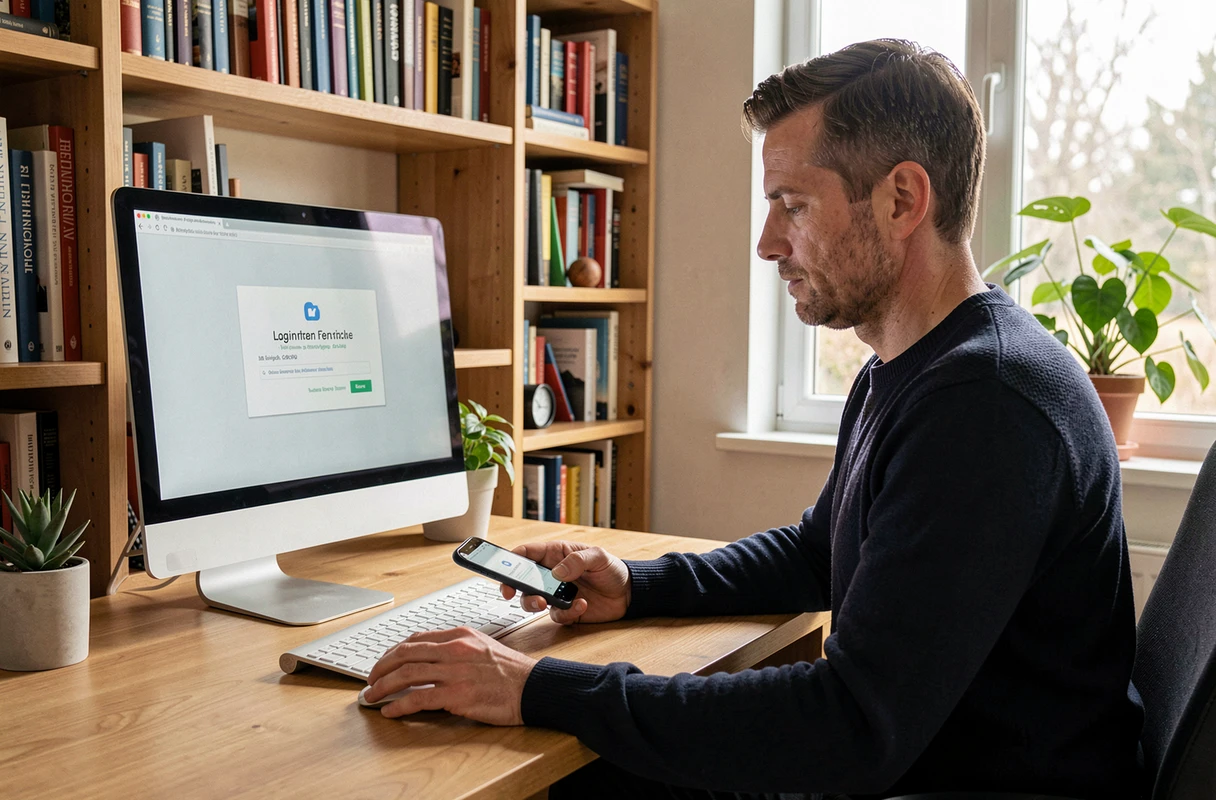
The password reset relies on sending a link to the email address associated with the account. The problem arises when the registered email does not match the one the employee uses daily. During the initial activation of the vault, it is sometimes the HR service that provides a professional address, while the employee expects the recovery link in their personal inbox.
This dissociation is never indicated by the interface. The system confirms the sending of the link without specifying the complete recipient. The employee checks their spam, attempts the procedure several times, and ultimately concludes that the platform is malfunctioning.
How to identify the email actually linked
There is no standalone way to retrieve this information from the login page. Only the employer’s HR service can verify and modify the email address associated with the vault, after identity verification. This administrative step generally takes several business days, which explains the unlocking delays reported by users.
If you have left the company that opened the vault, the documents remain accessible with your personal credentials. However, changing the recovery email becomes more complex as it requires directly contacting Arkevia’s technical support.
Browser and technical environment: blockages on the workstation side
An outdated or misconfigured browser can prevent the loading of the authentication page. My Arkevia works on recent versions of Chrome, Firefox, and Edge. Browsers embedded in messaging applications (opening a link directly from Gmail or Outlook on mobile) regularly cause display or form validation issues.
- The browser cache retains old versions of the login page. Clearing the cache and cookies frequently resolves certificate errors or blank screens after entering credentials.
- Extensions like ad blockers or VPNs interfere with the secure authentication process. Temporarily disabling these extensions helps isolate the cause of the blockage.
- Private browsing (or incognito) offers a quick test: it loads the page without any pre-existing cache or cookies, and without active extensions by default.
Opening My Arkevia in private browsing is the quickest test to determine if the problem stems from the browser environment or the account itself.

Expired activation link during the first connection to the digital vault
The first connection to My Arkevia goes through an activation email sent by the employer or the HR service. This link has a limited validity period. After this period, clicking on it redirects to an error page or an inactive form.
An expired activation link cannot be regenerated by the employee. The request for resending must go through the HR service, which triggers a new sending from the administration platform. This process surprises employees used to managing their online registrations themselves.
Reducing the risk of expiration
When you receive the activation email, proceed with the registration within the following hours. Also, check that the email hasn’t landed in your spam or promotions folder. In some corporate email systems, security filters block links from external domains, preventing access to the activation form.
Contacting Arkevia support: preparing your request
When technical checks do not yield results, resorting to support remains the last option. Feedback from the field varies on response times: some employees report quick unlocking, while others describe exchanges stretched over several weeks.
To expedite processing, prepare the following information before contacting support:
- The exact name of the company that activated the vault (particularly useful if you have changed employers)
- The email address you believe is linked to the account, as well as the one you are currently using
- A screenshot of the error message displayed during the connection attempt
- The browser used and the type of device (computer, phone, tablet)
Going through your HR service alongside technical support often speeds up unlocking, as the employer has administrative access to the platform. The HR service can check the account status, resend an activation link, or correct the associated email address without waiting for a response from Arkevia support.
The digital vault retains documents even after leaving the company. Keeping a record of your My Arkevia credentials and the linked email remains the best precaution to avoid future blockages, especially when archived pay slips are the only available copies.