
The e-campus Police platform, hosted by the Ministry of the Interior, does not have its own password management system. All authentication goes through the CALYPSSO infrastructure or, since 2025, through AgentConnect. When an agent loses their credentials, the reflex to look for a “forgot password” button directly on e-campus leads nowhere. The problem lies upstream, on the ministerial authentication layer.
CALYPSSO and AgentConnect: where e-campus Police authentication really takes place
The most common confusion is to think that e-campus Police manages user accounts. This is not the case. The platform relies on CALYPSSO, the ministry’s single sign-on portal, accessible at auth.sso.police.interieur.gouv.fr. The credentials used are those of the ministerial session, linked to the address in interieur.gouv.fr.
Since 2025, the e-campus homepage also invites agents to log in via AgentConnect. This federated digital identity system, gradually deployed across state services, allows the same account to be reused to access multiple ministerial platforms. The direct benefit for an agent facing a password issue: AgentConnect reduces dependence on the e-campus password by relying on the already validated digital identity.
For those experiencing persistent difficulties, an article details the solutions for e-campus Police by covering each common scenario.

Expired or forgotten password: two situations, two distinct processes
A forgotten password and an expired password are not handled the same way, even if the visible result (blocked login screen) is identical.
Forgotten password on the ministerial account
The reset does not go through e-campus. It is done on the CALYPSSO portal, which offers a recovery procedure via the professional email address (the one in interieur.gouv.fr). The agent receives a reset link in their ministerial email.
The trap: if the agent no longer has access to this email (recent transfer, change of assignment, disabled address), the reset link remains inaccessible. In this case, contacting the CNAU (National User Assistance Center) is the only option. The official e-campus page explicitly states this for any connection issue related to CALYPSSO.
Expired password due to security policy
Ministerial accounts apply rules for periodic password expiration. An agent who has not logged in for several months may find themselves blocked without having forgotten anything. The password has simply been automatically invalidated.
The renewal procedure is the same (CALYPSSO portal), but the cause of the blockage should be identified to avoid unnecessarily contacting technical support.
What the CNAU can resolve (and what is beyond its reach)
The CNAU addresses technical issues related to ministerial authentication. Its scope covers password resets when the automatic procedure fails, unlocking locked accounts after several unsuccessful attempts, and verifying the attachment of the professional email address to the correct account.
However, several situations are beyond its direct action:
- An agent awaiting the creation of their interieur.gouv.fr address after a recent job assignment cannot access e-campus, and the CNAU cannot expedite this process managed by HR services
- Issues related to AgentConnect fall under a separate support circuit, as this system is inter-ministerial and does not depend solely on the Ministry of the Interior
- A browser that blocks cookies from the interieur.gouv.fr domain prevents CALYPSSO login without it being a password issue, which generates unnecessary reports to the CNAU
Identifying the exact cause of the blockage before contacting support helps avoid extended processing times. A browser issue does not require human intervention.
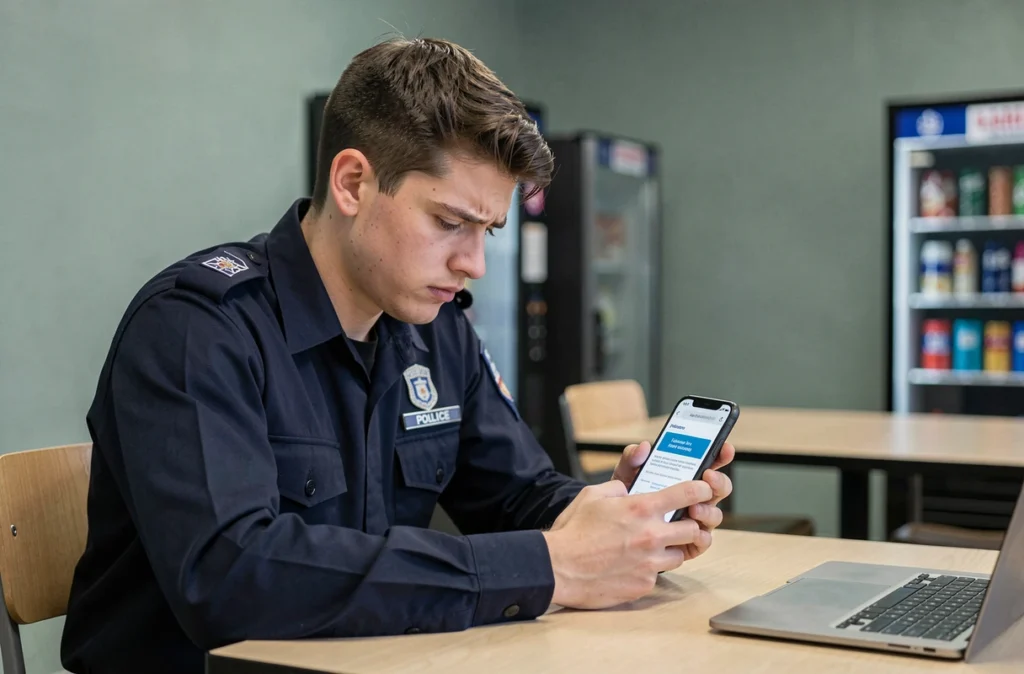
Logging in via AgentConnect: what it concretely changes for the password
The widespread use of AgentConnect changes agents’ relationship with their e-campus credentials. The principle is simple: instead of entering a specific username/password pair for the CALYPSSO portal, the agent authenticates via their federated digital identity.
In practice, this means that the e-campus password becomes that of the AgentConnect account, which can itself be linked to FranceConnect or another identity provider. The recovery procedure in case of forgetfulness also changes: it is done on the AgentConnect site, not on CALYPSSO.
This gradual shift creates a transition period where two processes coexist. Some agents still use CALYPSSO, while others have switched to AgentConnect. Both methods remain available on the e-campus login page, but the password recovery procedures differ for each.
Technical checks before any support request
Before initiating a reset procedure or contacting the CNAU, a few checks can eliminate causes unrelated to the password:
- Clear the cache and cookies of the browser for the interieur.gouv.fr domain, then try logging in again
- Ensure that the browser allows redirects to auth.sso.police.interieur.gouv.fr (some security settings or extensions block SSO redirects)
- Test the login from another browser or another workstation to isolate a potential local issue
- Make sure that the entered email address matches the format [email protected], without any spaces or special characters added by mistake
The majority of reported blockages concern a browser or cache issue, not a real forgotten password. These checks take a few minutes and avoid a wait of several days for support.
The coexistence of CALYPSSO and AgentConnect on e-campus Police makes recovery procedures less clear than with a simple “forgot password” button. Knowing which authentication circuit is active on one’s account remains a prerequisite before any action, whether automated or with the CNAU.